# Environment Set up
source: https://developer.mastercard.com/pay-with-rewards/tutorial/api-testing/step1/index.md
## Environment Set up {#environment-set-up}
### 1. Create a Maven Project {#1-create-a-maven-project}
* In the IDE, create a new Maven project which sets your directory structure automatically. 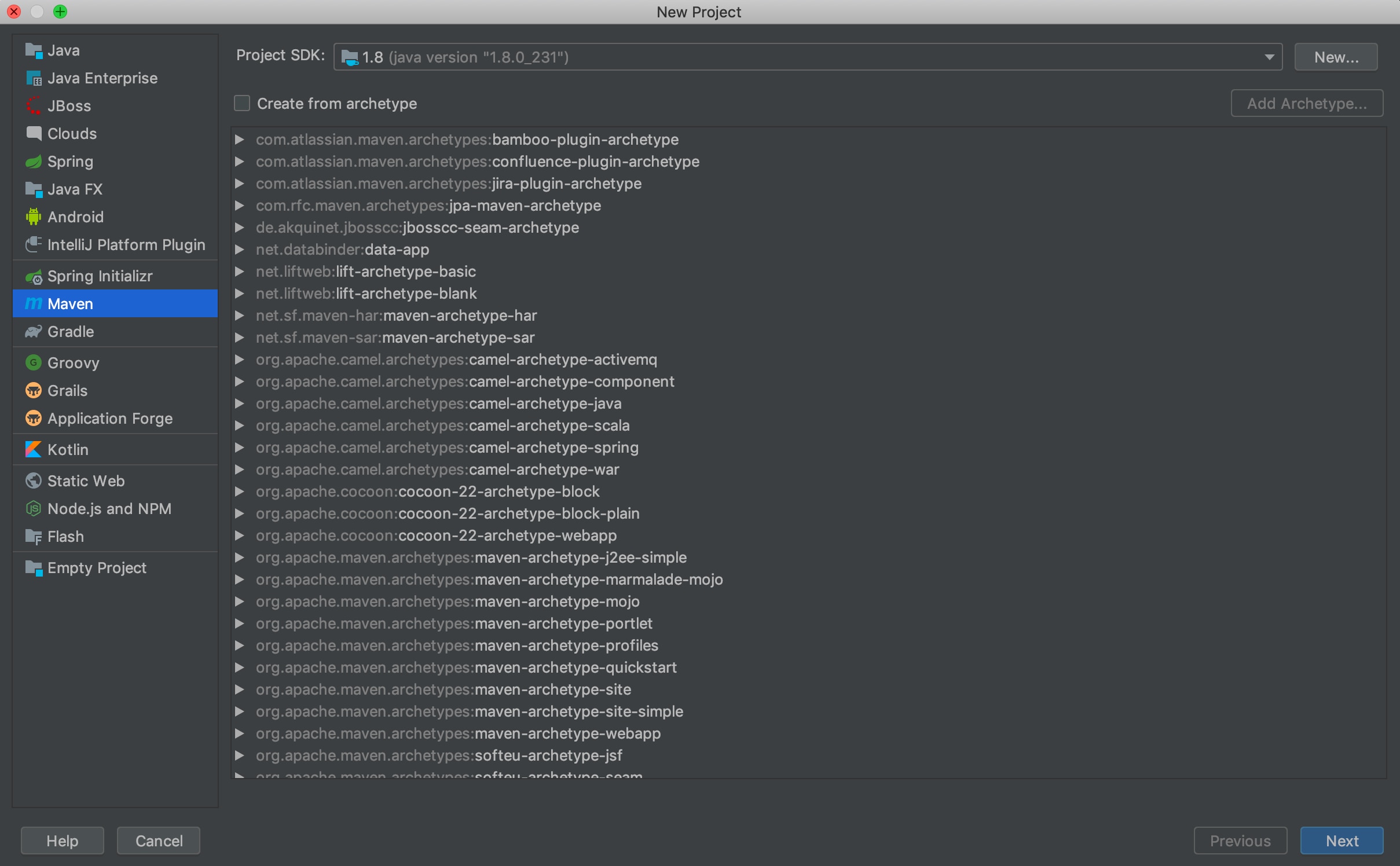
* Provide an ArtifactId and a project name as per your choice. 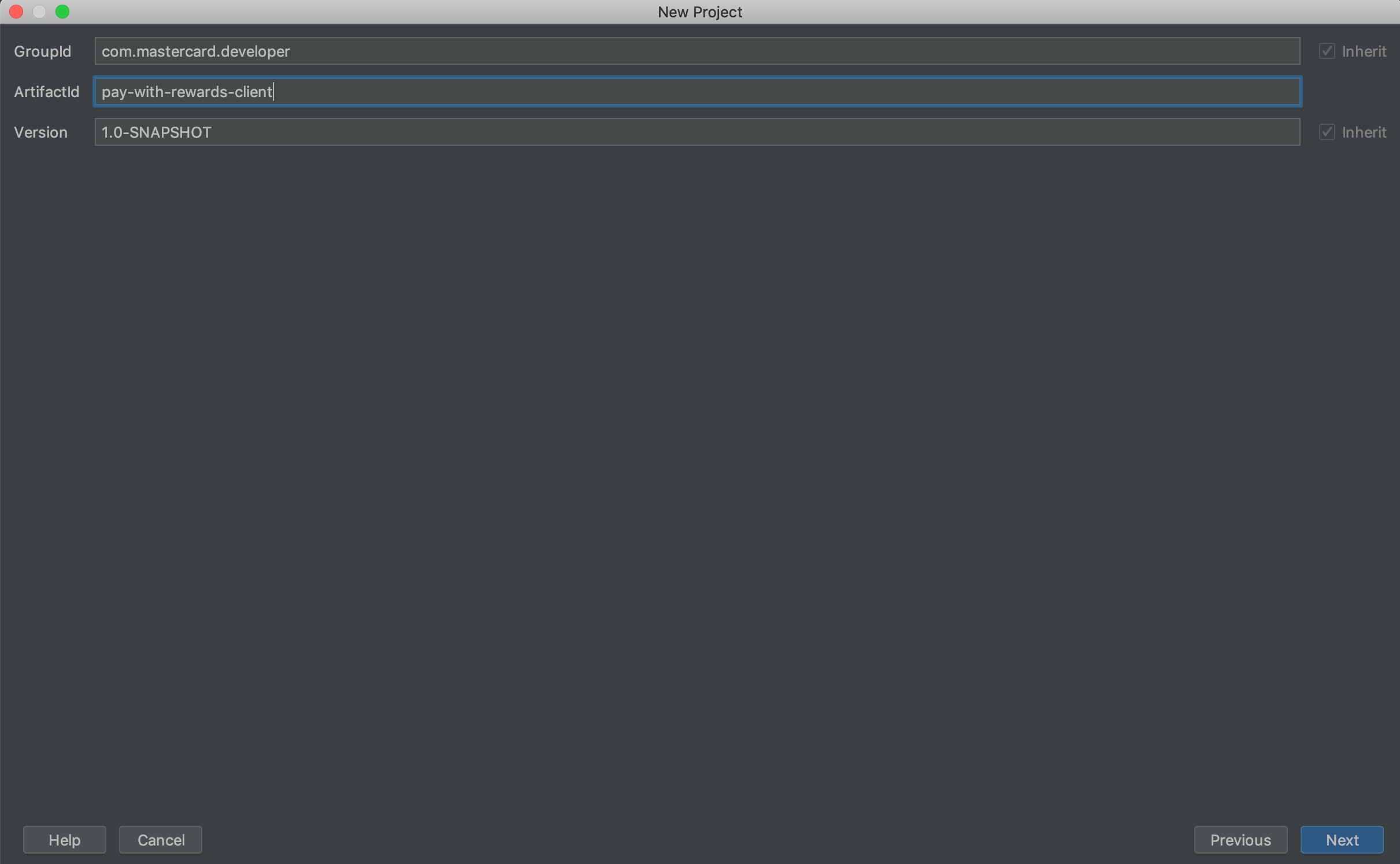
### 2. Add Resources {#2-add-resources}
* Add the Pay with Rewards specification to your Maven project resources folder.
* Add the generated Sandbox key (**.p12 file** ) and encryption cert (**.pem file**) to your Maven project resources folder. (This is generated while creating the project on Mastercard Developers).
* Your Maven project directory structure should appear as: 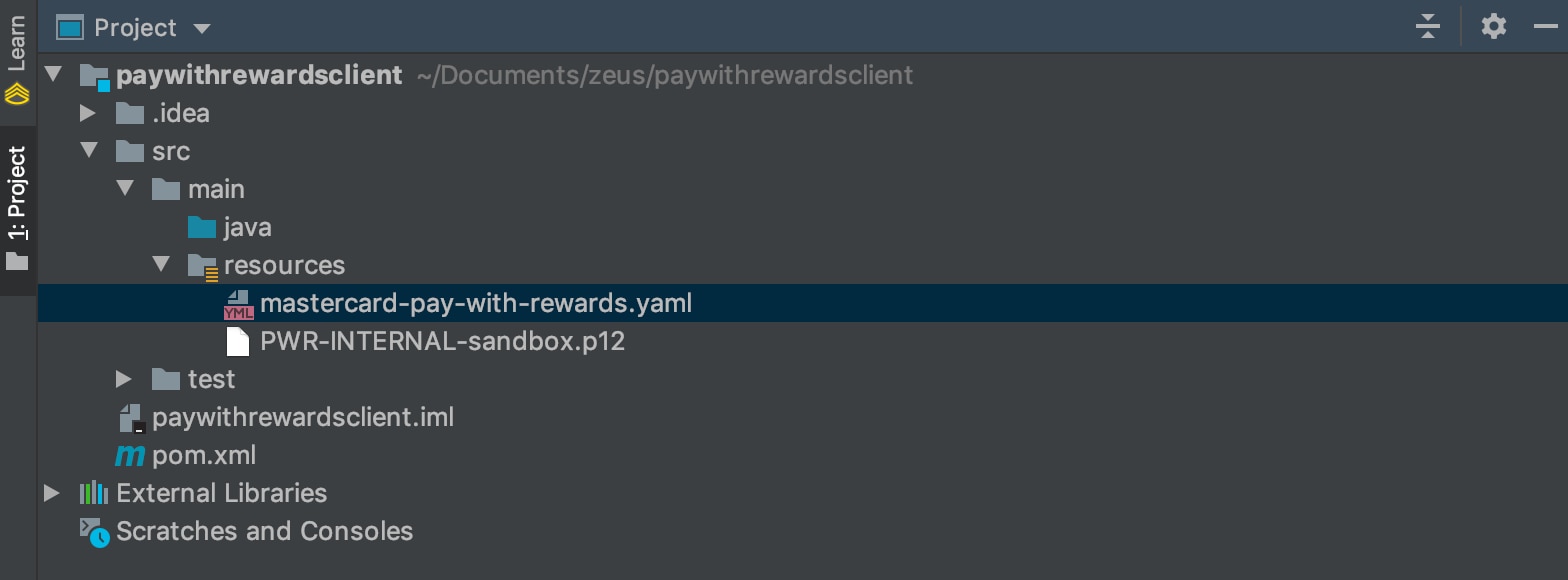
### 3. Update pom.xml file {#3-update-pomxml-file}
* In your IDE, add the [OpenAPI Generator maven plugin](https://github.com/OpenAPITools/openapi-generator/tree/master/modules/openapi-generator-maven-plugin) to your project **pom.xml** file. Use the Plugin config as shown below: Note: [OpenAPI Generator](https://openapi-generator.tech/) generates API client libraries using OpenAPI Specification. It provides multiple generators and library templates to support multiple languages and frameworks. We will be using the Java generator for this project.
```XML
org.openapitools
openapi-generator-maven-plugin
6.2.1
generate
${project.basedir}/src/main/resources/mastercard-pay-with-rewards.yaml
java
src/gen/java/main
true
custom
Date=String
```
* Add the following dependencies to your pom.xml file to add dependencies for the API client library generation and the Mastercard OAuth1 Signer library.
```XML
1.8.5
1.6.9
4.10.0
2.10.1
1.6.5
1.0
4.13.2
io.swagger
swagger-annotations
${swagger-core-version}
com.squareup.okhttp3
okhttp
${okhttp-version}
com.squareup.okhttp3
logging-interceptor
${okhttp-version}
com.google.code.gson
gson
${gson-version}
io.gsonfire
gson-fire
${gson-fire-version}
org.threeten
threetenbp
${threetenbp-version}
javax.annotation
jsr250-api
${javax-annotation-version}
junit
junit
${junit-version}
com.mastercard.developer
oauth1-signer
1.5.2
```
* Add the following dependencies to your pom.xml file to encrypt and decrypt the requests using the using Mastercard Client Encryption library.
```XML
1.7.7
com.mastercard.developer
client-encryption
${client-encryption-version}
```
When using OpenAPI Generator to generate the API client library, you have two options:
* Generate and use the source files on the fly
* Generate and deploy the source files to a Maven repository
In this tutorial, you will be generating the API client library on the fly, so you include the dependencies that are needed to generate the library. (If you were deploying the source files to a Maven repository, you would only need to include the dependency for that repository.)
In addition, you include the dependency for one of the Mastercard OAuth1 Signer libraries. Mastercard offers OAuth1 Signer Libraries that are developed and maintained by Mastercard's API team, which offer code helpers targeting the HTTP clients used by the different OpenAPI Generator Library templates. The libraries are hosted on [GitHub](https://github.com/Mastercard?utf8=%E2%9C%93&q=oauth1-signer&type=&language=).
Refer to the following page for more information on [Generating and Configuring a Mastercard API Client](https://developer.mastercard.com/platform/documentation/getting-started-with-mastercard-apis/generating-and-configuring-a-mastercard-api-client/#overview).