# Calling Doconomy Aland Index APIs
source: https://developer.mastercard.com/doconomy-aland-index/tutorial/how-to-access-sandbox-environment/step2/index.md
## How to call Doconomy Aland Index - Transaction Footprints API {#how-to-call-doconomy-aland-index---transaction-footprints-api}
This section provides guidelines for the /doconomy/transaction-footprints API which calculates carbon emission and water usage based on the payment transaction amount and the merchant category code.
Let's call API using the Insomnia tool now:
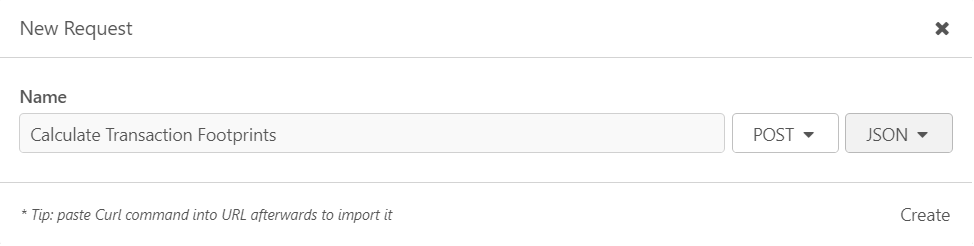
* Add a new request by selecting **New Request** in the request dropdown menu.
* Name the request as 'Calculate Transaction Footprints' and choose the HTTP method as **POST** and Request body as **JSON**.
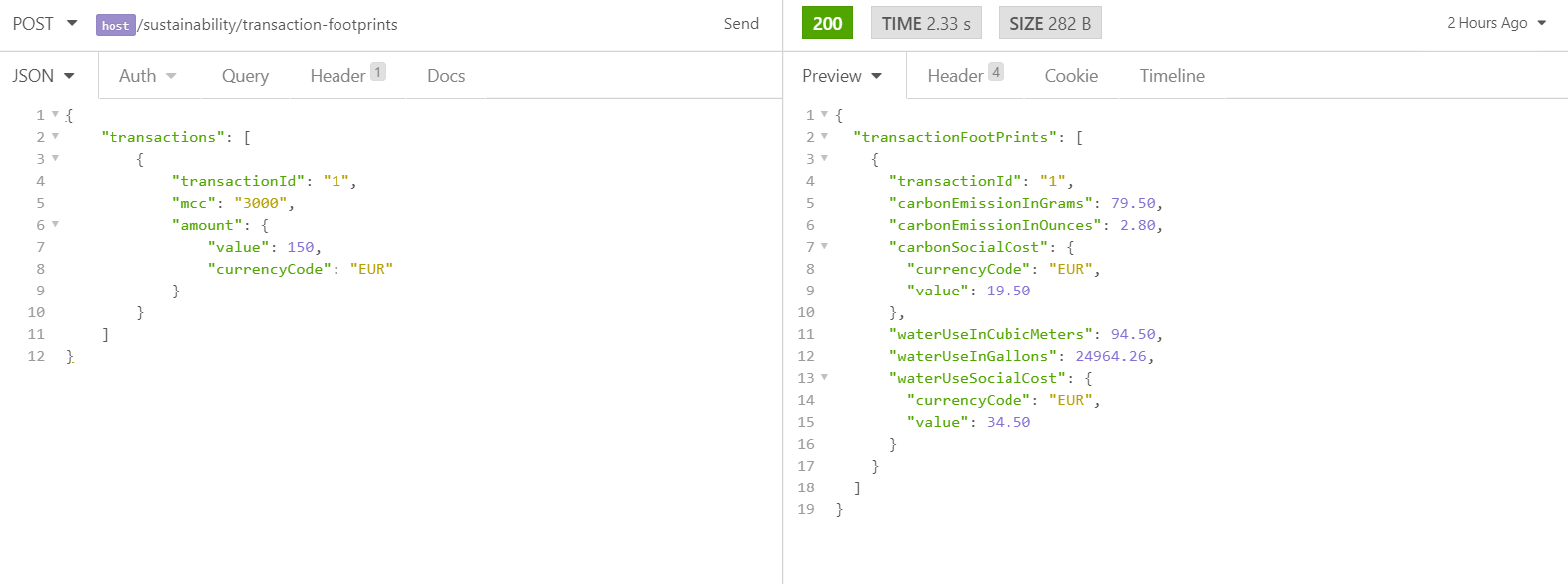
* In the request URL field, input the endpoint URL as **{{host}}/doconomy/transaction-footprints** which turns out to be .

* Request payload will look like this:
```json
{
"transactions": [
{
"transactionId": "1",
"mcc": "3000",
"amount": {
"value": 150,
"currencyCode": "EUR"
}
}
]
}
```
Paste this request payload into the Insomnia Request Body JSON section.
* After calling API, it should respond with 200 OK status, and the response looks like this:
```json
{
"transactionFootPrints": [
{
"transactionId": "1",
"carbonEmissionInGrams": 79.50,
"carbonEmissionInOunces": 2.80,
"carbonSocialCost": {
"currencyCode": "EUR",
"value": 19.50
},
"waterUseInCubicMeters": 94.50,
"waterUseInGallons": 24964.26,
"waterUseSocialCost": {
"currencyCode": "EUR",
"value": 34.50
}
}
]
}
```
Note: You can call all the other APIs following the same process as you did above for the 'Transaction Footprints' API. Sandbox environment will give you similar functionality as the Production environment.
## Congratulations {#congratulations}
You have completed this tutorial and accessed the Doconomy Aland Index API from the Sandbox environment.